SSLVPN (OpenVPN) – Easiest & works on most distros. WatchGuard SSLVPN is just OpenVPN under the hood, so Linux support is excellent.
Step 1 — Download the SSLVPN .ovpn file from the Firebox
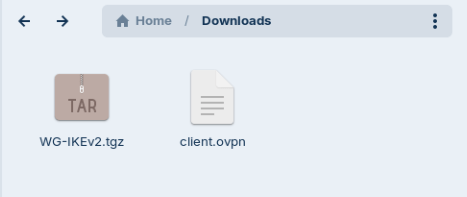
Step 2 — Import the client.ovpn file into NetworkManager
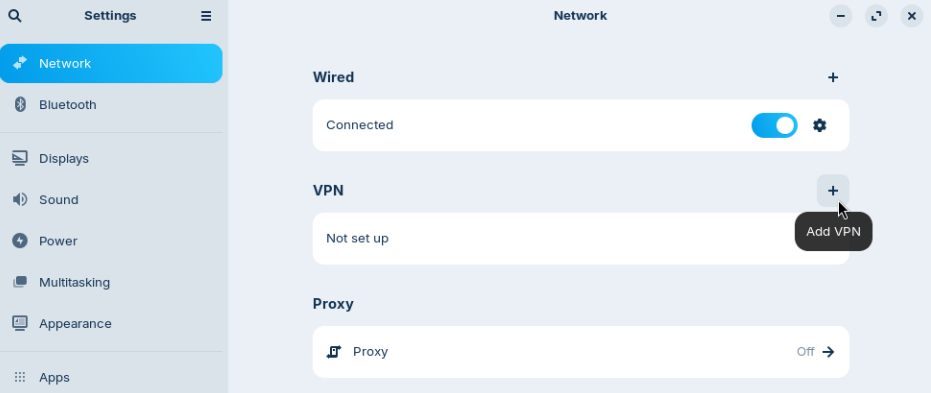
- Open Settings → Network → VPN → Add
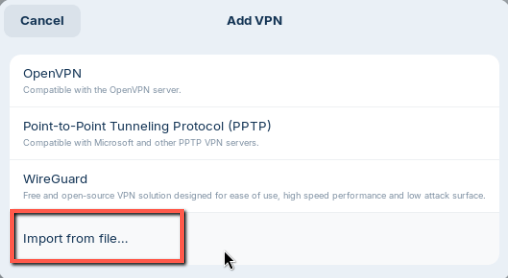
- Choose “Import from file…”
- Select client.ovpn
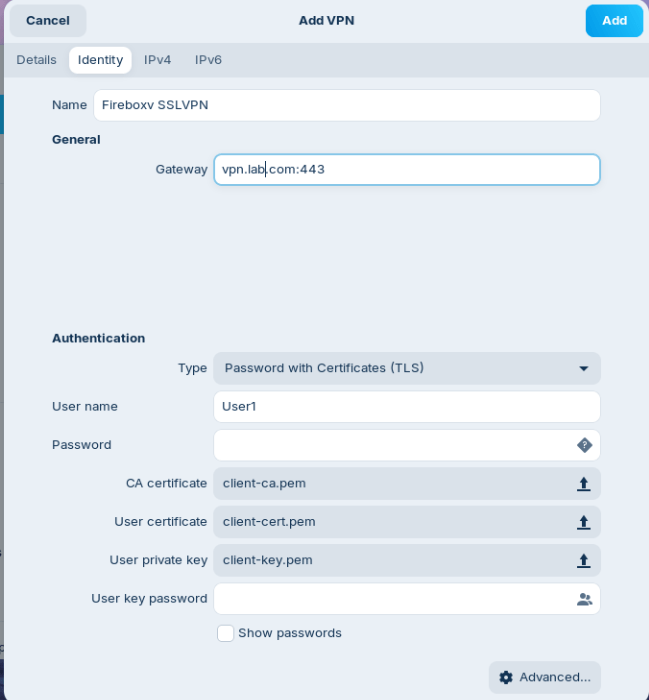
- Give the connection a name
- Enter your Username and Password
All other settings come from the .ovpn file and normally require no changes.
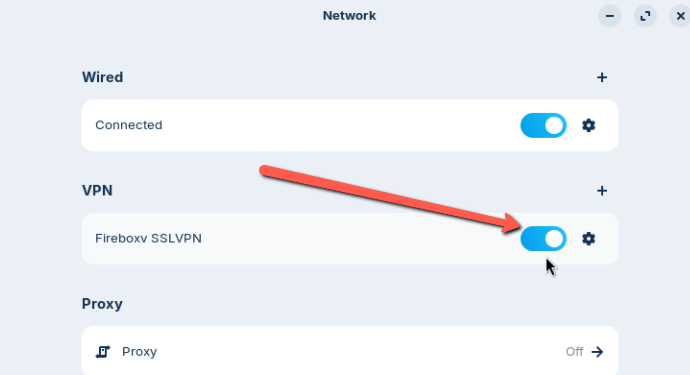
Step 3 — Connect Enable the VPN from NetworkManager
IKEv2 Mobile VPN — Works, but requires fixing Network Manager configuration manually.
Step 1 — Install required packages
Ubuntu / Debian:
sudo apt install network-manager-strongswan libcharon-extra-plugins
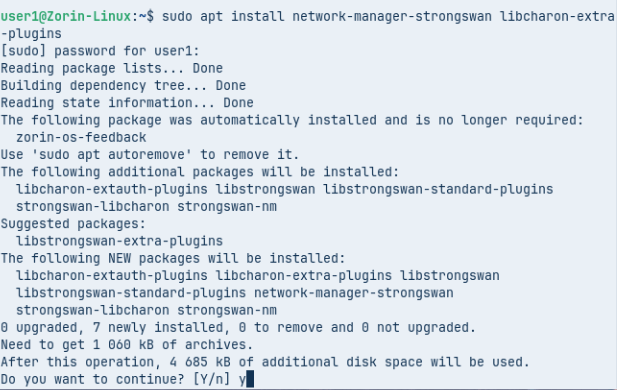
libcharon-extra-plugins is critical — it contains:
- EAP‑MSCHAPv2
- AES‑GCM
- ECP (DH19/20)
- Kernel‑netlink fixes
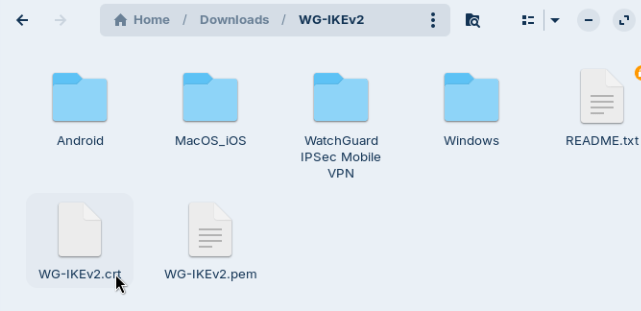
Step 2 — Download the WatchGuard IKEv2 client package and extract the *.tgz file.
- You only need the root *.crt certificate.
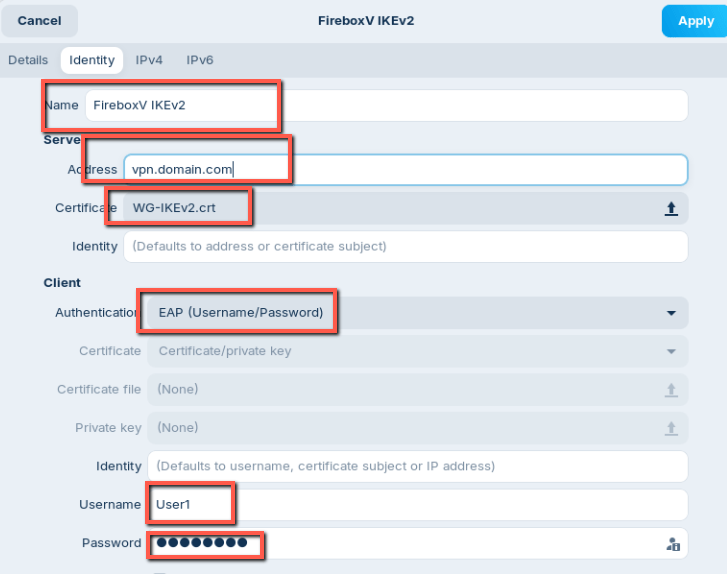
Step 3 — Create the IKEv2 VPN in Network Manager
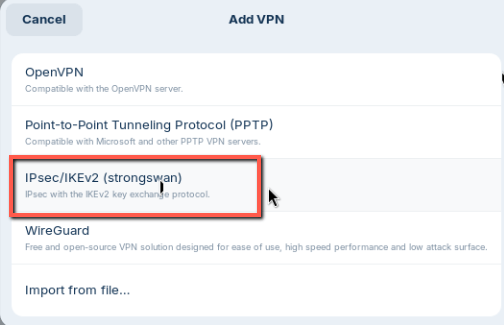
- Add VPN → IPSec/IKEv2 (strongSwan)
- Gateway / Address: Firebox external IP or FQDN
- Certificate: Select the rootca.crt from the downloaded folder
- Authentication:
- Method: EAP (Username/Password)
- Username: your Mobile VPN username
- Password: your Mobile VPN password
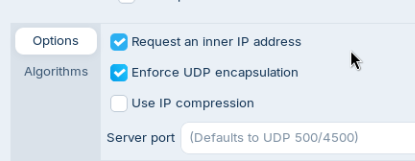
- Options:
- ✔ Request an inner IP address
- ✔ Enforce UDP encapsulation (recommended for NAT)
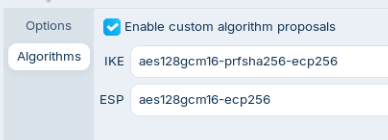
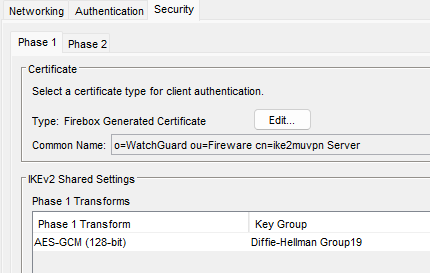
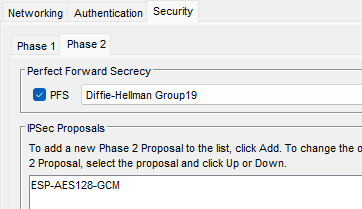
- Algorithms: Match your Firebox Phase 1 & Phase 2 settings
Save the profile.
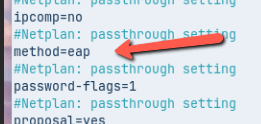
Step 4 — Fix Network Manager’s wrong EAP method. Network Manager’s strongSwan plugin defaults to the wrong EAP method. WatchGuard requires EAP‑MSCHAPv2, not plain EAP.
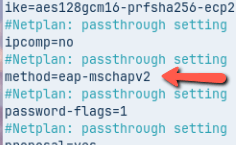
Network Manager writes method=eap, but WatchGuard requires method=eap-mschapv2
Find the connection file:
sudo nmcli -f NAME,DEVICE,FILENAME connection show

Open the .nmconnection file:
sudo nano /run/NetworkManager/system-connections/<your-ikev2-profile>.nmconnection
Find the [vpn] section and change:
method=eap to method=eap-mschapv2
Save and exit.
Step 5 — Connect
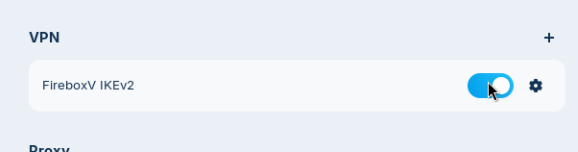
Try connecting from Network Manager.
If it fails, check logs:
Linux side:
sudo journalctl -u NetworkManager
sudo journalctl -u strongswan
Firebox side:
Dashboard → Traffic Monitor Filter for: iked